
Properties panel overview
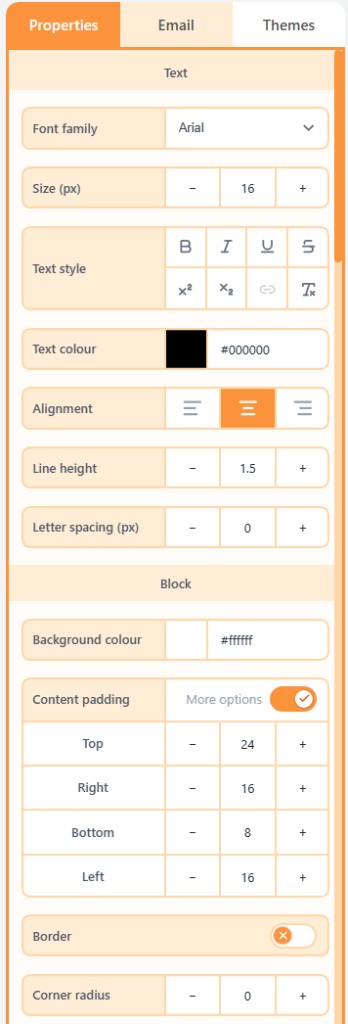
The right panel has three tabs: Properties for the selected layer, Email for subject and body chrome, and Themes for the whole email.
What is the Properties panel?
The Properties panel is the right sidebar in Build. It edits whatever you have selected (a block, column, section, or the body) and also holds email-wide delivery settings and the theme.
The three tabs
- Properties: content and style for the selected block, column, or section.
- Email: subject, preheader, tracking, and body chrome.
- Themes: colours, typography, layout, buttons, and borders for the whole email.
Related
All propertiesThis index lists shared property groups and the articles that document each block’s own fields.Themes vs manual overridesA theme is a live overlay on the email. Editing a control on a block locks that field so the theme no longer drives it.Email settingsEmail settings are the inbox fields and body chrome: subject, preheader, link tracking, and the page background.
Still need help?
Contact Support and we will get back to you.
Email support@openly.email
Feedback or suggestions?
Report a bug or share an idea.