
Wizard Copy
The Copy tab writes the email wording from a short brief, purpose, and tone.
What is the Copy tab?
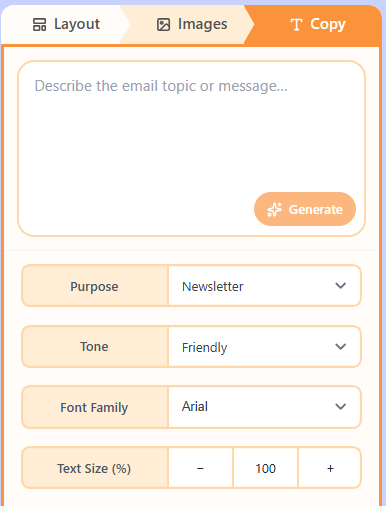
The Copy tab fills the words in the Wizard draft. You give a brief, pick purpose and tone, then Generate. You can also set font family and text size for the filled copy before you move to Build.
How to generate copy
- Write a short brief for the email.
- Pick purpose and tone.
- Choose Generate, then adjust font and size if needed.
Related
Still need help?
Contact Support and we will get back to you.
Email support@openly.email
Feedback or suggestions?
Report a bug or share an idea.