
Wizard vs One Shot vs Build
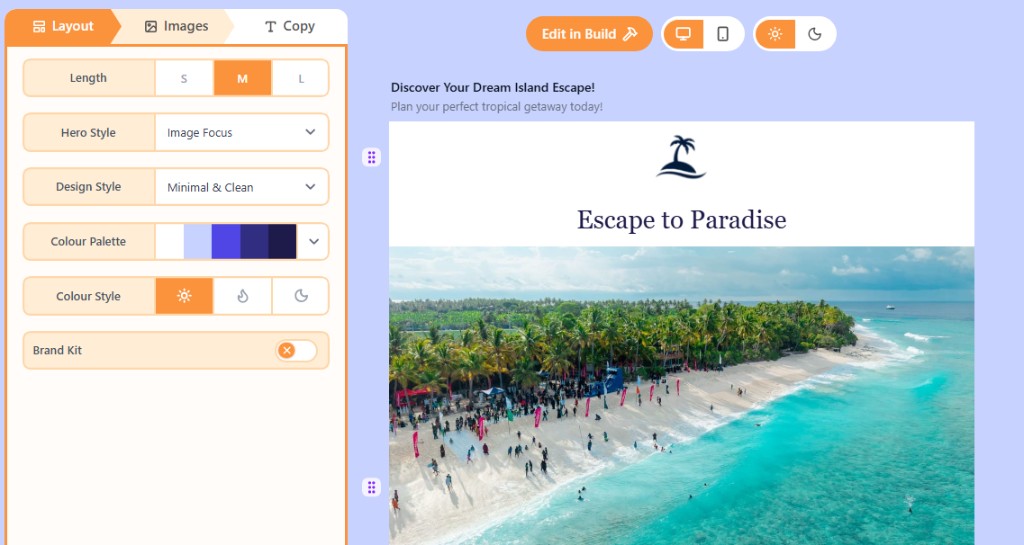
Wizard walks through layout, images, and copy. One Shot generates from a single prompt. Build is the full canvas editor.
What are the three ways to start?
Openly has three ways to make an email. Wizard and One Shot are AI Hub drafts. Build is the editor where you finish structure, spacing, and links.
- Wizard: step through Layout, Images, and Copy when you want control over each part.
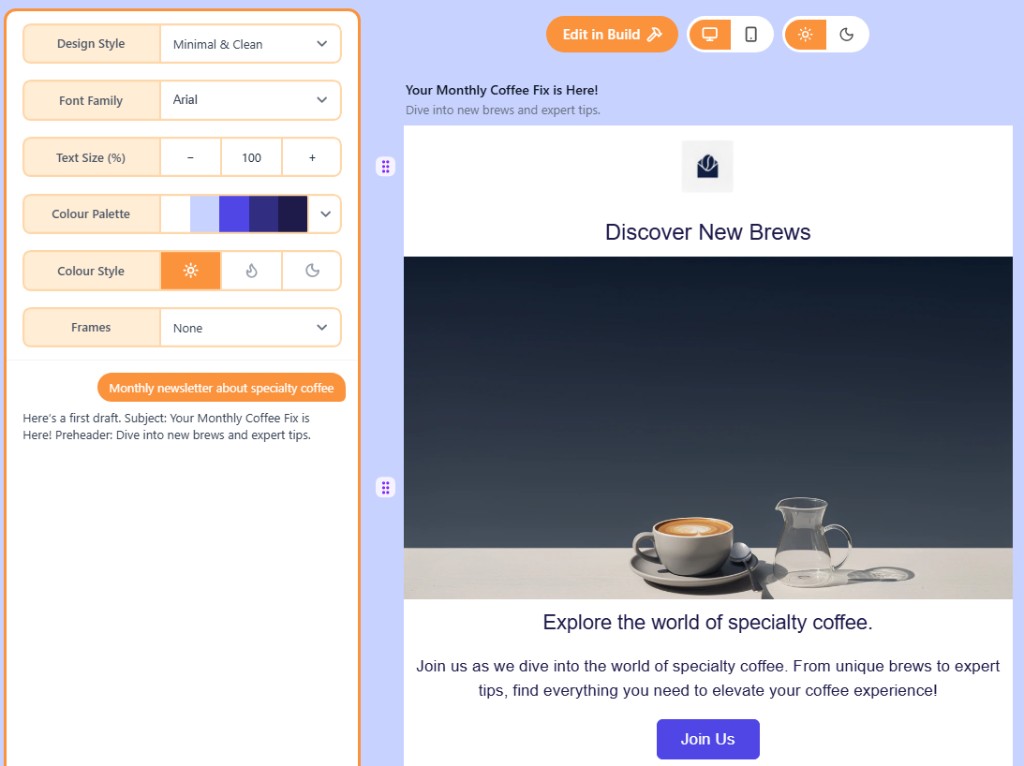
- One Shot: one description generates a full draft; then refine style and chat.
- Build: start blank or continue any project when you want every block and property.
How to choose
Use Wizard if you want to steer length, hero style, images, and tone separately. Use One Shot if you already know what the email should say. Both end with Edit in Build.
Related
WizardWizard is a guided AI flow with Layout, Images, and Copy tabs. When the draft looks right, open it in Build.One ShotOne Shot generates a full email draft from a single prompt. Refine style and chat, then Edit in Build.The Build canvasThe Build canvas is a live preview of your email. Sidebars hold layers, blocks, health check, and properties.
Still need help?
Contact Support and we will get back to you.
Email support@openly.email
Feedback or suggestions?
Report a bug or share an idea.